A pull request has come back with review comments. Some point to bugs, some suggest a different approach, and others need a conversation before anything should change. Working through them means understanding the feedback and deciding what to do with it.
In AI-assisted code reviews, I described how the AI can help structure a review while the developer remains responsible for the findings. The same applies on the receiving end. A suggestion deserves investigation, whether it came from a colleague or an AI reviewer.
My fix-comments skill gives that follow-up a structure: assess the feedback, let me decide on the actions, and keep track of what actually reaches the PR.
Understand the feedback before changing the code
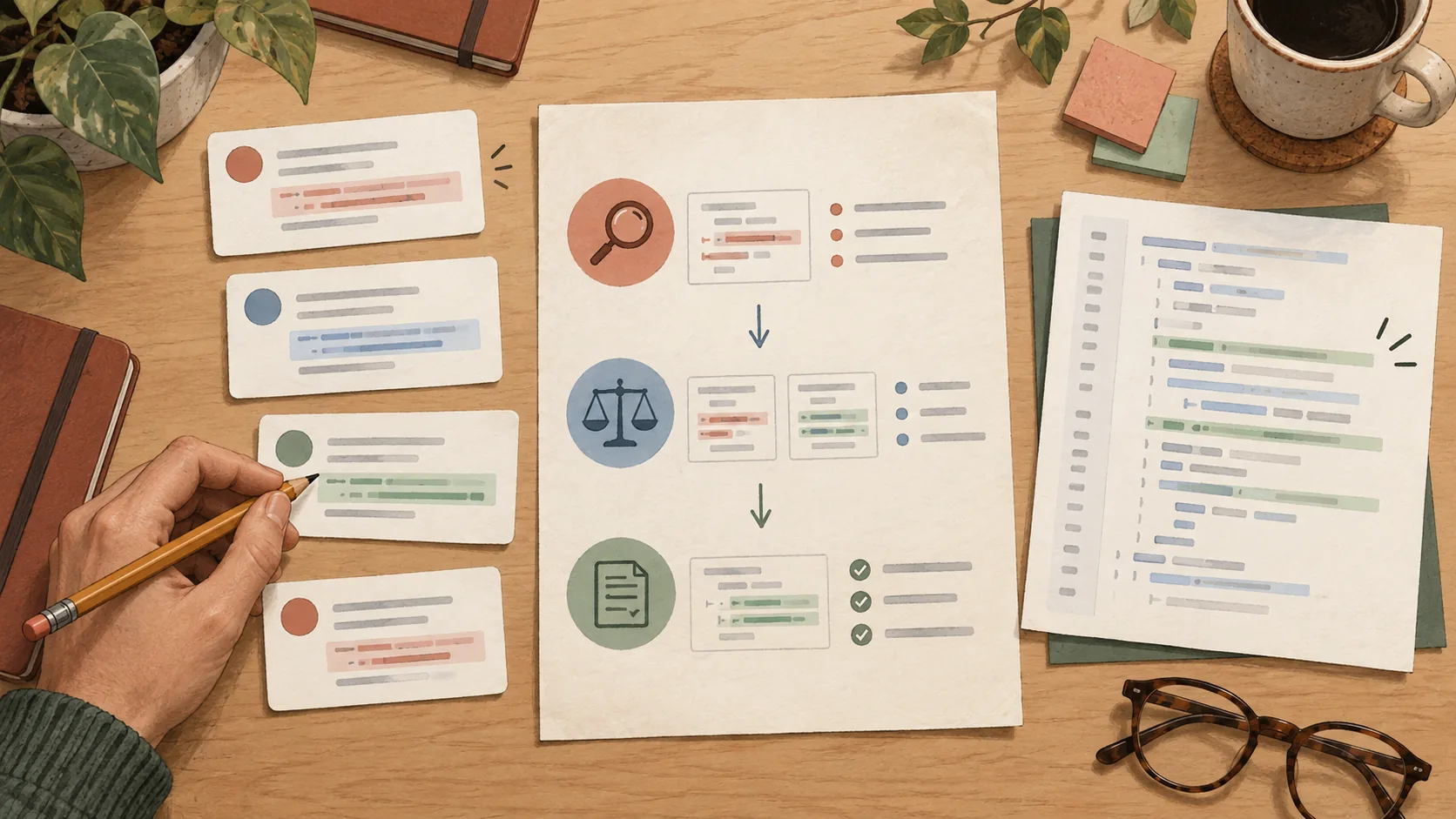
It is tempting to start with the first comment and work down the page. But two comments might describe the same underlying problem, or a proposed fix might conflict with another requirement.
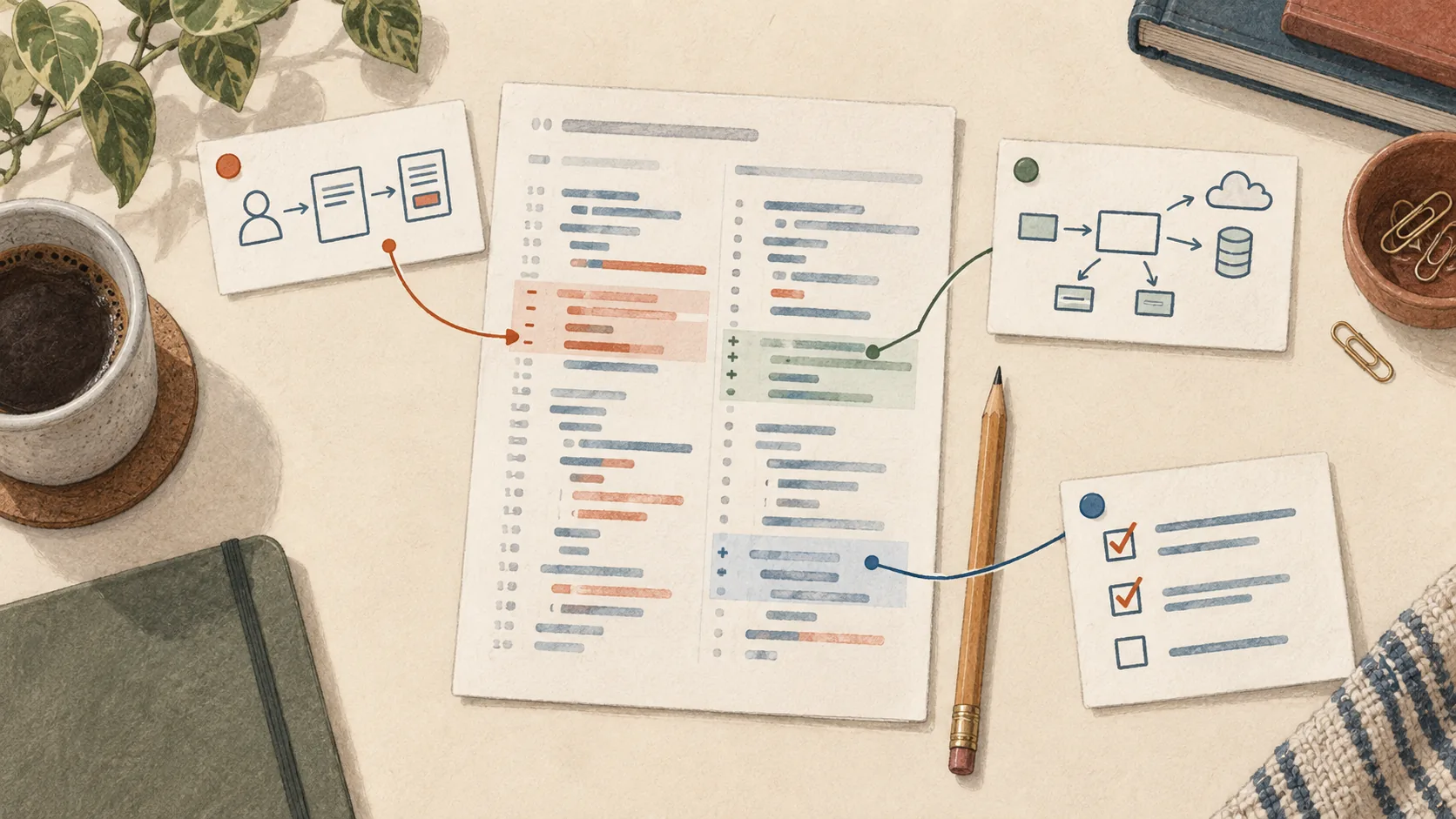
I want to see the whole assessment before the code starts changing. For each comment, the AI checks the current source, the relevant requirements and the discussion around it. It records what supports the concern, what remains unclear, and what a correction would involve.
This gives me something concrete to review. I can challenge the assessment, ask for more evidence, or take an item myself. The goal is to make a considered change and explain it to the reviewer.
Starting the workflow
With repository access configured, the Claude Code command for this implementation is:
/raholsn:fix-comments example/export-service#42The repository and PR number are examples. The default mode is interactive. The AI investigates the selected review items and presents the complete assessment before editing code, posting replies or resolving threads.
It reads the conversations, including replies and general PR comments. An outdated line reference does not automatically mean the concern has been fixed; the current code still needs checking.
Assess, decide, then apply
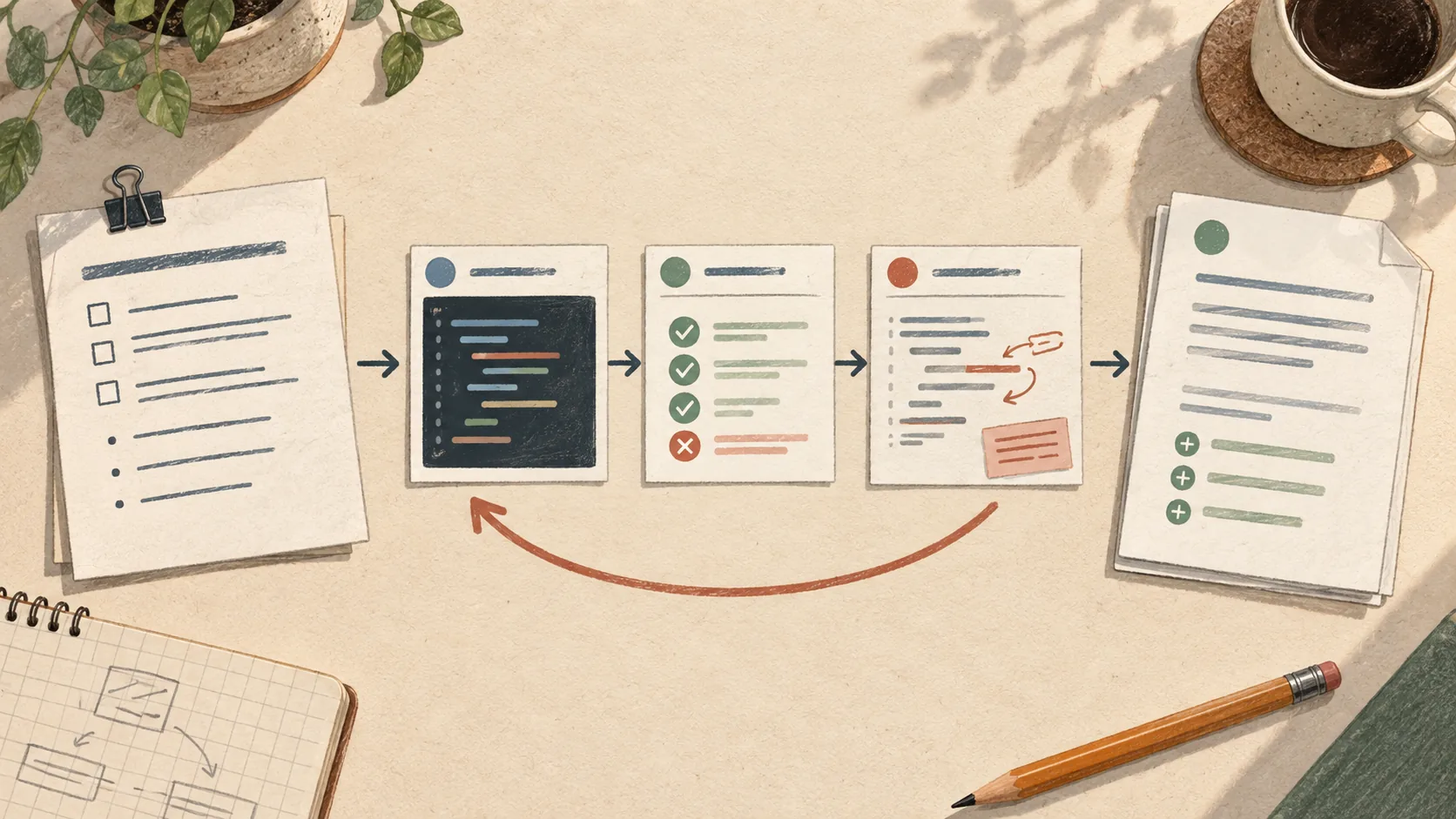
The workflow has five main stages:
- Capture the feedback. Save the selected comments and their original replies, with an index that identifies the PR revision.
- Assess every item. Check each claim against the source and requirements, then record the evidence and proposed action.
- Present the whole assessment. Include valid concerns, uncertain items and comments that may already be addressed. Pause for my decisions.
- Apply the selected fixes. Make the agreed changes and validate the combined result. Account for fixes that address more than one comment.
- Confirm the outcome. Deliver authorized changes to the PR, then reply and resolve eligible threads. Report anything still pending.
At the decision step, I have three choices:
| Choice | What it means |
|---|---|
| Fix | Apply the supported proposed correction and carry it through validation and authorized delivery. |
| I will review manually | Leave the code and PR comment untouched; keep it as my follow-up. |
| Ignore | Take no action on the item in this pass and record that decision. |
Ignoring an item does not resolve the thread or tell the reviewer that their concern was invalid. Unanswered items also remain pending.
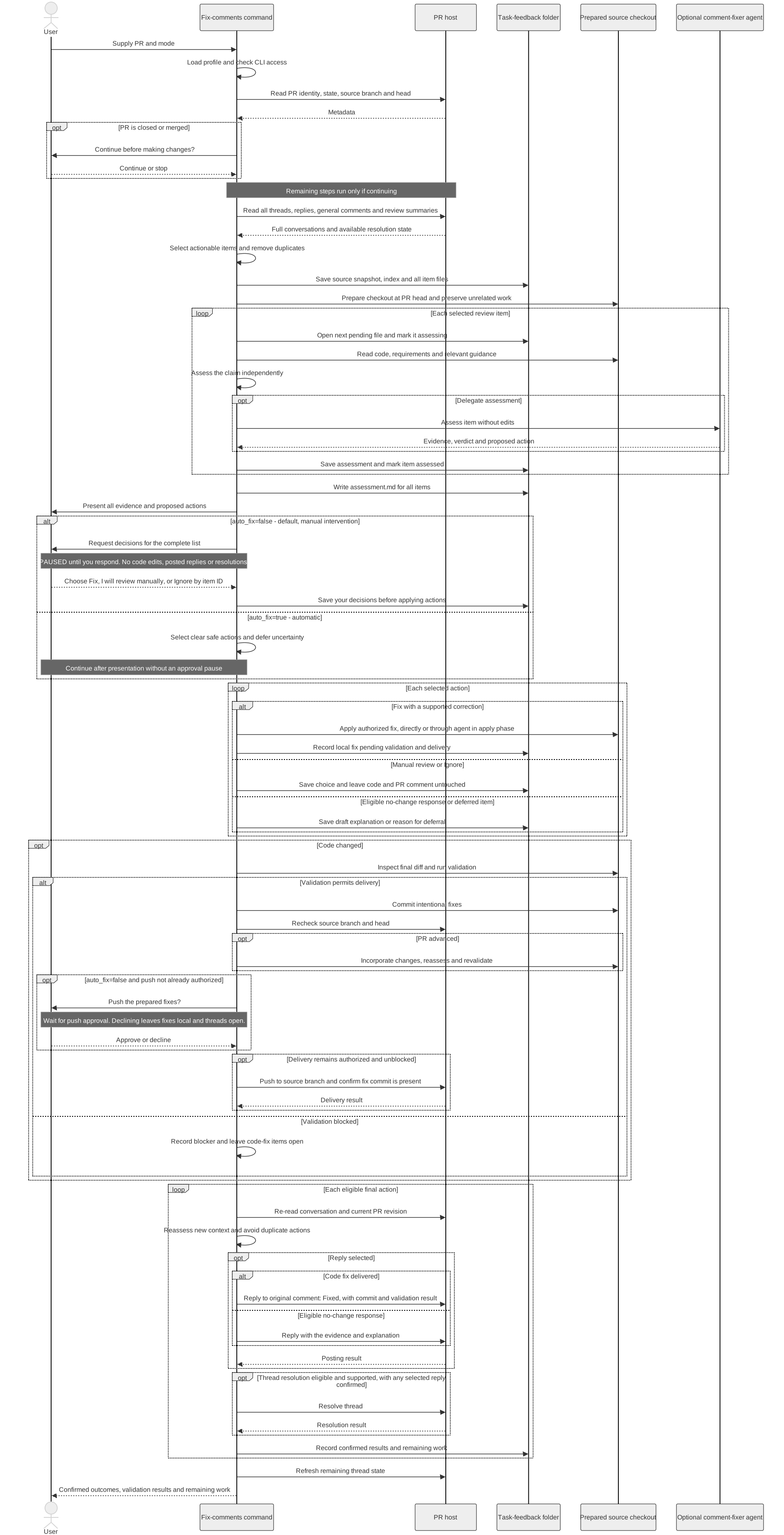
Workflow diagram

Open the overview at full size
Explore the detailed workflow
The diagram includes both supported modes. This post focuses on the default interactive path, which pauses after the complete assessment for developer decisions.
Three comments do not necessarily mean three fixes
Let's continue with a background CSV export as an illustrative example. Suppose a PR has these comments:
- A retry might send the user a second download notification.
- The notification code needs a check that the export has not already been completed.
- Export files should be retained for a different length of time.
The first two may describe the same defect. The AI should trace the behavior, check whether protection already exists, and propose one correction if the concern is supported. The validation should exercise the retry and check how many notifications are sent.
The retention comment is a different decision. If the requirements do not establish the retention period, the AI should flag that missing context. Choosing a new period would change the product behavior, so I need to resolve that with the relevant people.
I might choose Fix for the first two items and I will review manually for the third. The resulting record should show that one fix addressed two comments, while the retention question is still open.
Keep a record of the decisions
The skill saves a task-feedback folder with the original comments, an index, a combined assessment and a file for each item. The reviewer's words stay separate from the assistant's analysis.
Each item records the chosen action, changes, validation and outcome. That distinction is useful when work stops halfway through. A fix can be written locally but still need testing or delivery. A question can remain open even though the other comments are done.
The record should make those differences clear when I return to the PR.
A local edit is not a delivered fix
After applying the selected changes, the workflow validates the combined diff and prepares the intended commits. In interactive mode, pushing requires approval unless it was already authorized. If the PR has advanced, the new changes need to be incorporated and checked before delivery.
Only after a code fix has reached the PR does the command reply to the original comment with the fix commit and validation result. Thread resolution follows when supported and appropriate. If validation or delivery is blocked, the item stays open.
Choosing Fix authorizes the described correction and follow-up; it is not a separate prompt before every reply. I can ask to review reply wording before it is posted when I want that additional checkpoint. I remain responsible for the changes and communication made on my behalf.
The automatic option
There is also an explicit auto_fix=true mode. It still presents the assessment, but continues with clear, safe actions without waiting for individual choices. It can apply fixes, push them and finalize eligible replies and resolutions. Uncertain items are deferred.
That is a broader delegation than the workflow I have described here. For the interactive approach, I leave it at the default so I can assess the proposed actions first. A finding that needs a product decision should remain a question in either mode.
The skill
You can find the fix-comments skill on GitHub.
The full instructions will live there, including how comments are selected and how partial outcomes are handled. This article describes the workflow as of its updated date.
For me, the useful part is the separation between understanding the feedback and acting on it. The AI helps investigate and track the work, while I decide which changes are justified and verify the result.
Happy coding!