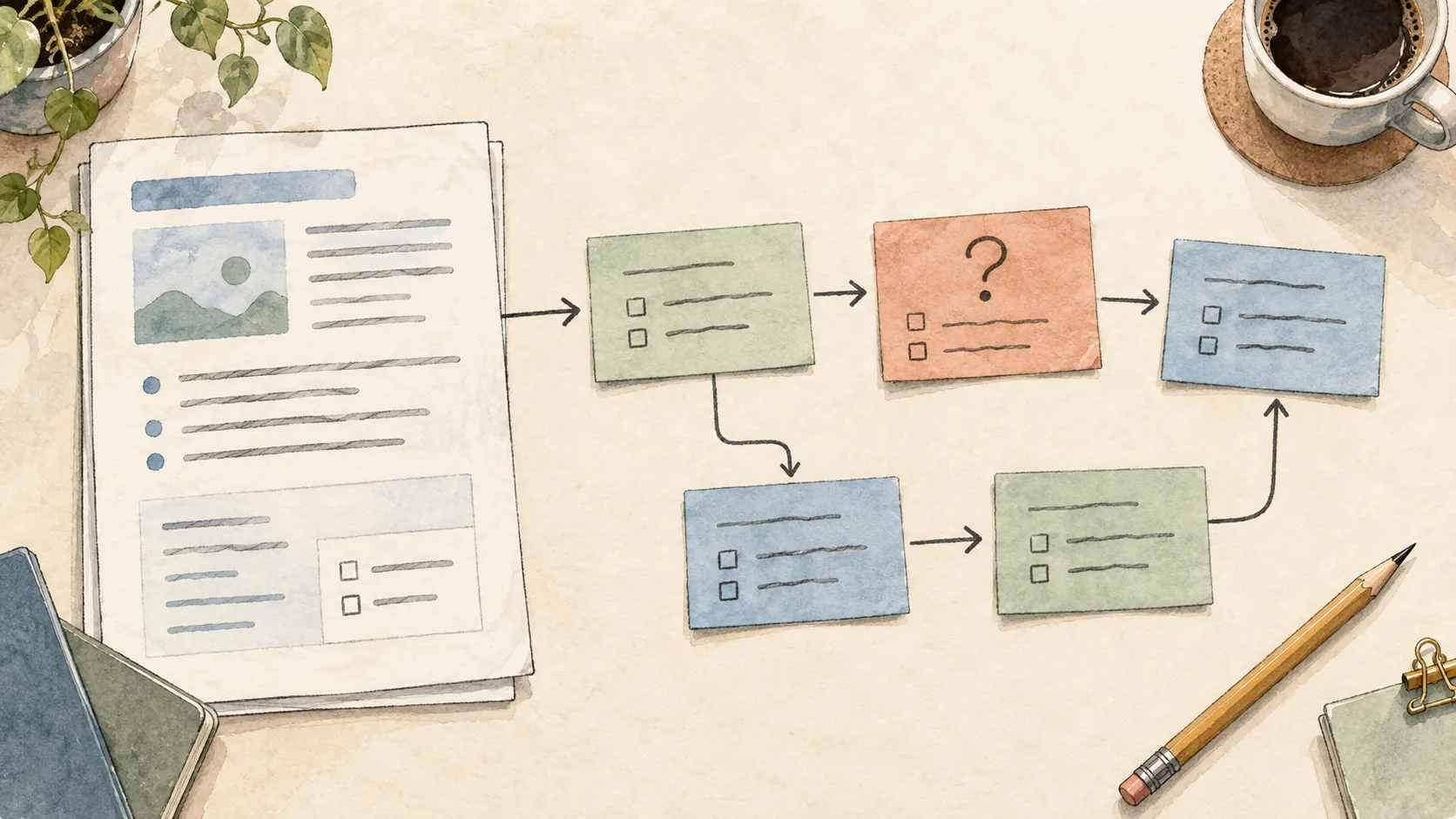
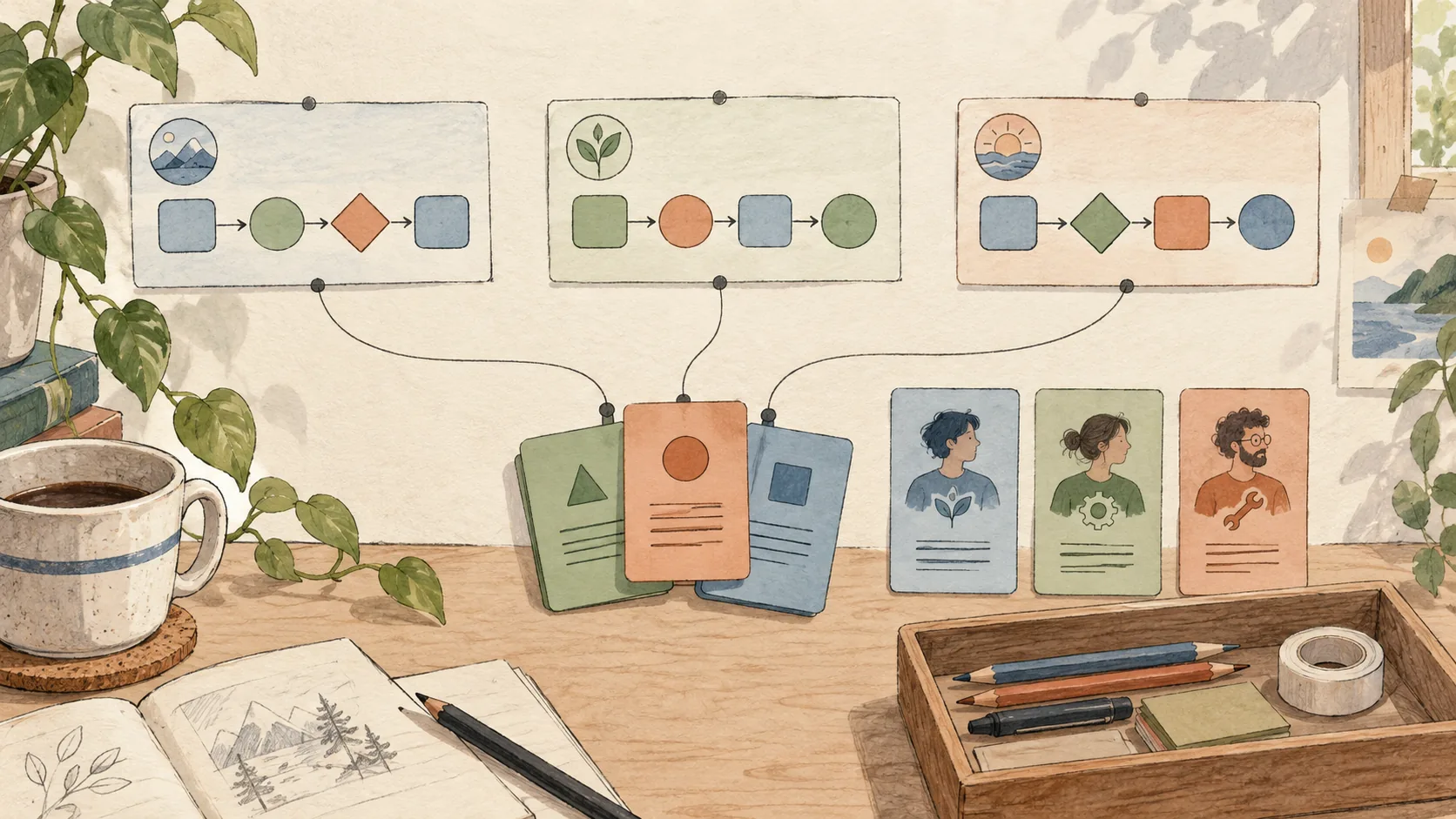
A planning conversation can leave us with a much clearer idea of what to build. But the decisions are still spread across questions, answers and corrections. Before breaking the work into issues, I want a concise document that explains the intended behavior and how we will know it works.
That is where the write-requirements skill fits. It takes the clarified plan and turns it into a product requirements document, or PRD, while keeping the decisions and remaining assumptions visible.
Matt Pocock is the original author of the to-prd and to-issues skills that inspired this part of my workflow. I have modified them for how I want to work, but credit for the original skills and workflow belongs to him. You can explore his work in Matt's skills repository. My adaptations are now named write-requirements and plan-implementation. This article describes my version as of its updated date.
Continue from the decisions we already made
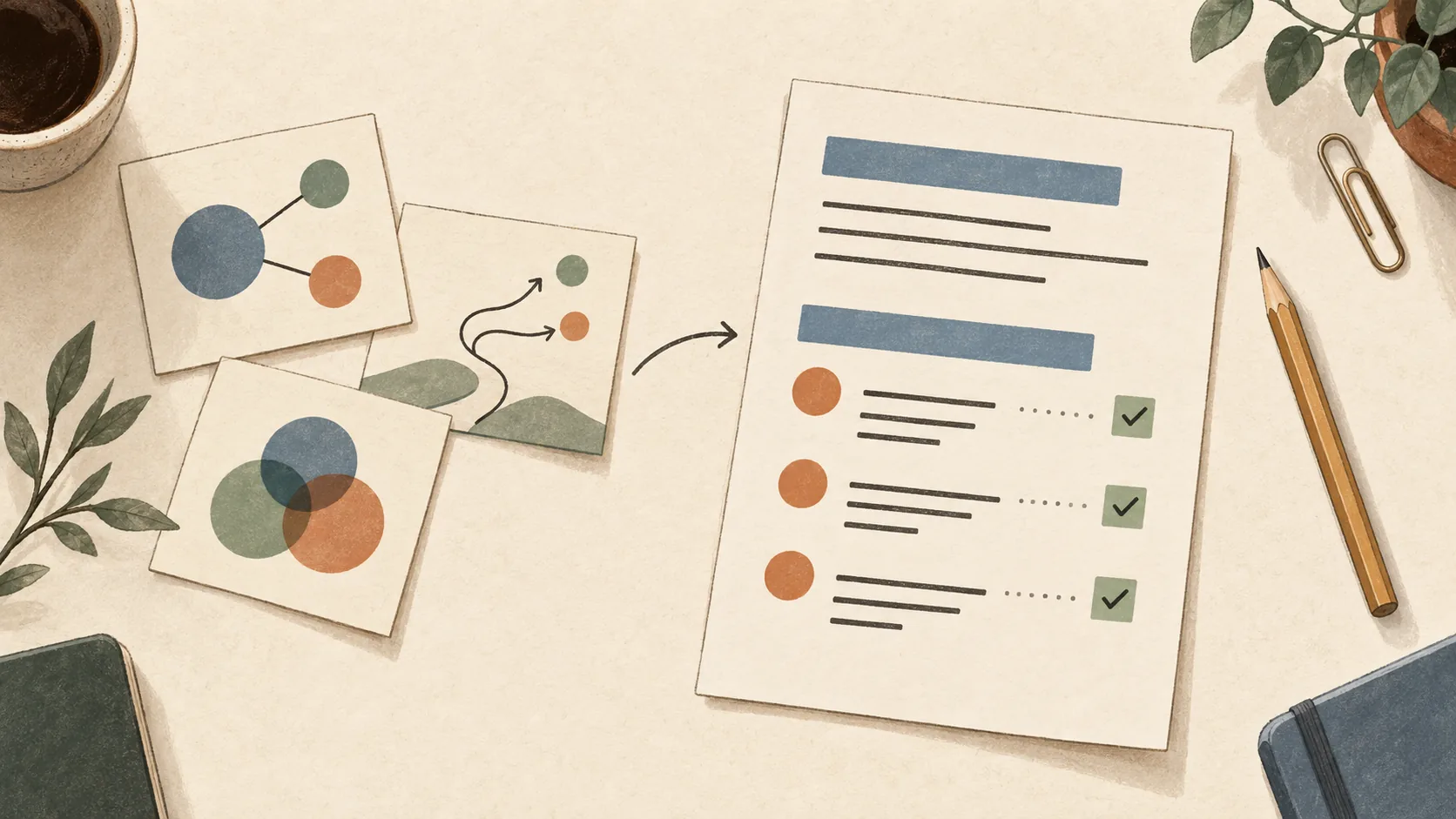
In Letting AI challenge the plan, I described using a planning conversation to uncover the decisions that matter. Its output is a decision record: what we agreed, what we assumed and what still needs attention.
The next step should use that work. I do not want another interview covering the same ground, or a polished specification that quietly changes the decisions we just made.
The skill reads the supplied record and relevant conversation, then organizes them into requirements. It can also work from a sufficiently clarified plan directly; the previous skill is a useful starting point, not a mandatory ceremony.
This example uses the Claude Code command for my implementation:
/raholsn:write-requirements docs/planning/2026-07-02-export-retry-grill-decisions.mdThe path is illustrative. I can also specify an output location or ask it to revise an existing PRD with later decisions.
Local drafting does not require a tracker or company profile. The useful input is the plan and enough context to represent it accurately.
Turn a decision into something we can check
Continuing the illustrative report-export example, suppose we agreed that a retry should use the original report parameters. Editing the report would be outside the first version.
The PRD can express that as a requirement and an acceptance criterion:
| ID | Example |
|---|---|
| R1 | Retrying an eligible failed export uses the parameters saved with the original request. |
| AC1 → R1 | Given an eligible failed export, when the user retries it, the new attempt uses the same saved report parameters. |
This is a small excerpt, not a complete specification. We still need to establish what makes a failure eligible and who may request a retry.
The distinction is useful: the requirement states the expected behavior, and the acceptance criterion gives us an observable way to check it. “Retries should work well” would leave both implementation and review open to interpretation.
The skill gives requirements and acceptance criteria stable identifiers and links them together. When the PRD is revised, those identifiers stay intact. The next planning step can then show which issues cover each requirement instead of relying on similar wording in several places.
Keep the document proportional to the work
A PRD does not need to become a long document just because a template has many headings. I want enough detail that someone can understand the intended change without rereading the entire conversation.
The skill captures the problem, goals and non-goals, affected users, requirements, acceptance criteria and relevant implementation decisions. Testing, operational considerations, risks and assumptions belong there when they affect the work.
For the retry example, preserving the original parameters is a meaningful contract. The name of a private helper method probably is not. Stable behavior and component names are more useful than a list of file paths that may change during implementation.
Non-goals matter too. Explicitly keeping parameter editing outside the first version helps prevent a retry feature from growing into a report editor along the way.
A missing decision should stay visible
An AI can make an incomplete plan sound complete. That is one of the things I want this skill to resist.
If the source does not establish who can retry an export, the PRD should not quietly invent an authorization rule. The skill asks a focused question when the missing answer would materially change behavior, scope or acceptance criteria. It can continue drafting independent sections while that decision is pending.
Low-risk gaps can remain explicit assumptions. Material implementation gaps affect the document's readiness:
| Status | Meaning |
|---|---|
| Ready for issue planning | Requirements and acceptance criteria are concrete enough to break into work, with any remaining low-risk assumptions stated. |
| Blocked | An unresolved implementation decision affects identified requirements. The saved document remains a draft. |
That status describes the document. It does not approve implementation or establish that stakeholders have agreed to the requirements.
Some prerequisites only affect rollout. For example, an agreed support briefing before release can be recorded as a release condition without blocking unrelated issue planning. A missing decision about retry permissions changes what we need to build, so it belongs among the implementation blockers.
The PRD workflow
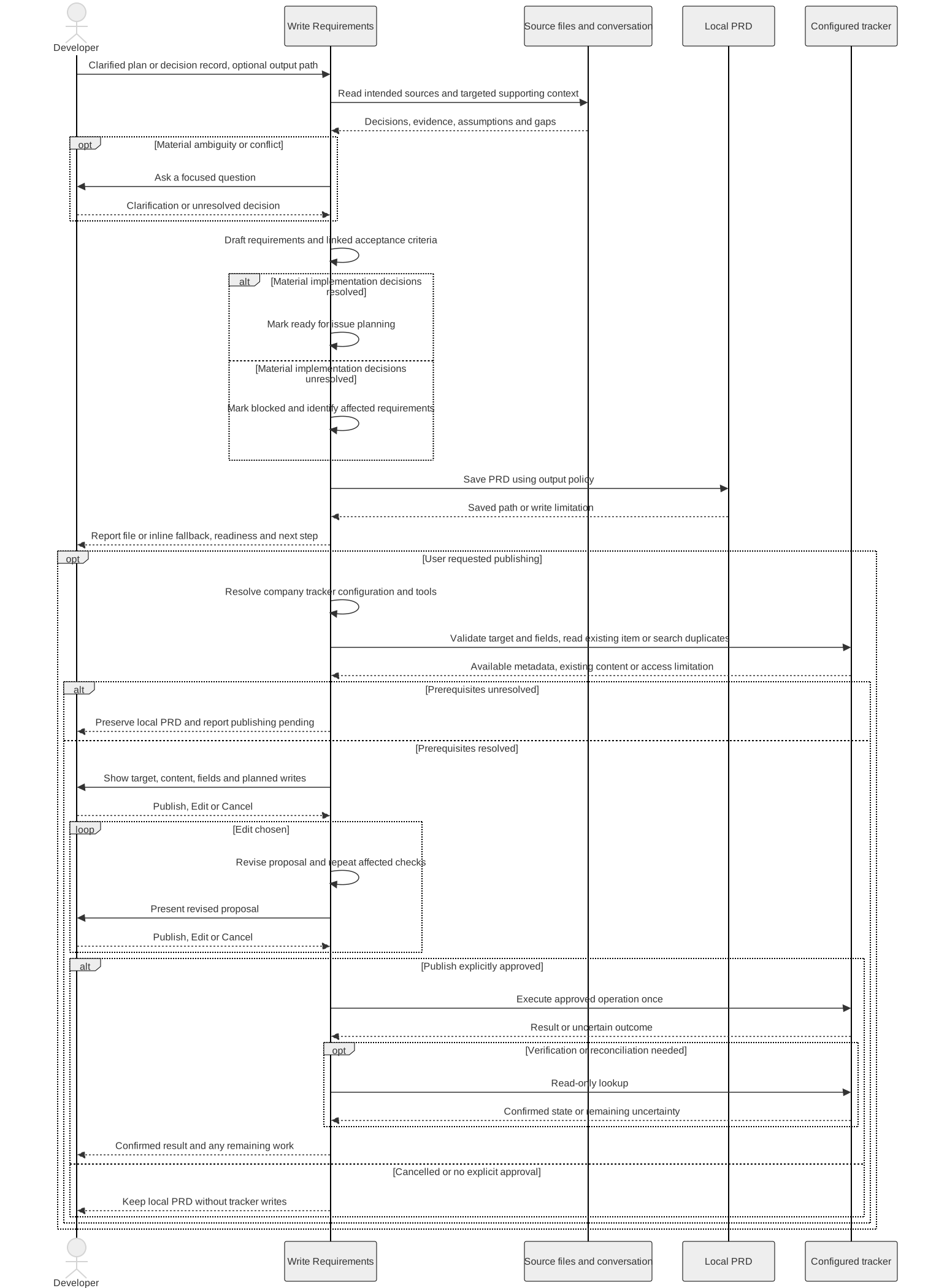
These diagrams describe the current skill instructions, not a recorded run.

Open the overview at full size
Explore drafting and optional publishing
The sequence shows how the skill preserves source context, reports unresolved decisions and handles publishing when requested.
Preserve the source and the corrections
The PRD records where its decisions came from. Later explicit corrections take precedence over earlier choices, while other material conflicts need to be surfaced.
If I changed the retry scope during the conversation, I want that correction reflected in the document. If two source documents disagree and neither clearly supersedes the other, I want to see the conflict rather than have the AI choose silently.
The source decision record stays intact. By default, the PRD is saved as a separate Markdown file in an existing planning or PRD directory. If there is no suitable directory, the skill uses docs/prds/.
For this example, that could be:
docs/prds/2026-08-06-export-retry-prd.mdAn explicit revision updates the intended PRD while preserving its stable IDs and unrelated edits. The final response identifies the saved file, its readiness and the remaining decisions.
Publishing is a separate step
The default output is local. If I want the PRD published to a tracker, I ask for that separately.
The skill then resolves the destination, checks the fields and any duplicate concerns, and presents the concrete proposal. I can choose Publish, Edit or Cancel. Cancelling keeps the local document.
A blocked PRD can be published as a clearly identified draft if I explicitly approve that. Publishing it does not make its open decisions disappear.
The skill and what follows
You can find the write-requirements skill on GitHub.
A ready PRD can move to plan-implementation, which breaks the requirements into implementation slices. That is the next part of the workflow, and another adaptation of Matt Pocock's work. It starts when I request it; writing a PRD does not automatically create issues or begin implementation.
For me, this step is about carrying the planning decisions forward in a form that is useful to build and review against. The AI helps organize the requirements, while I still need to check that they represent what we intended.
Happy coding!