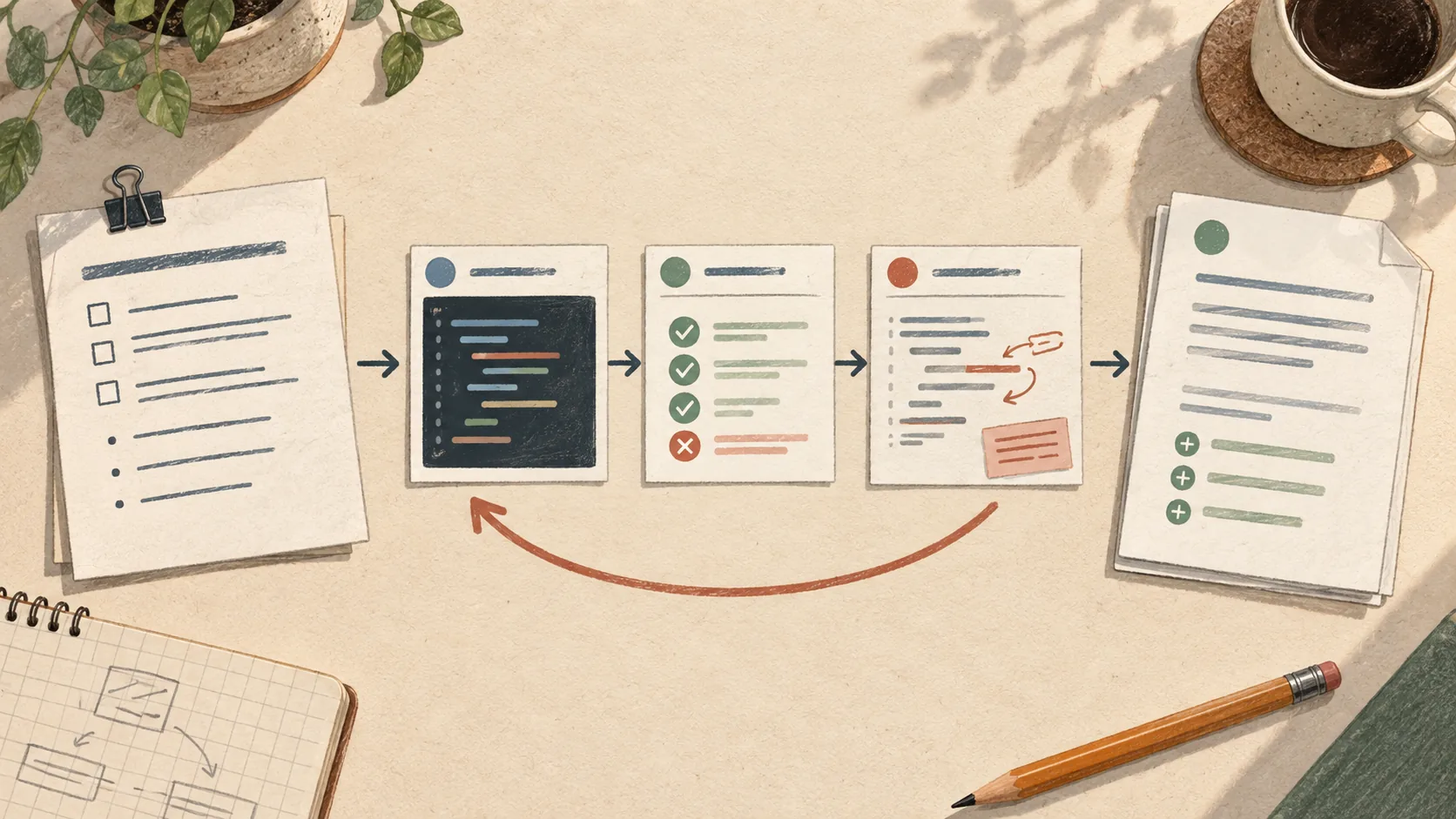
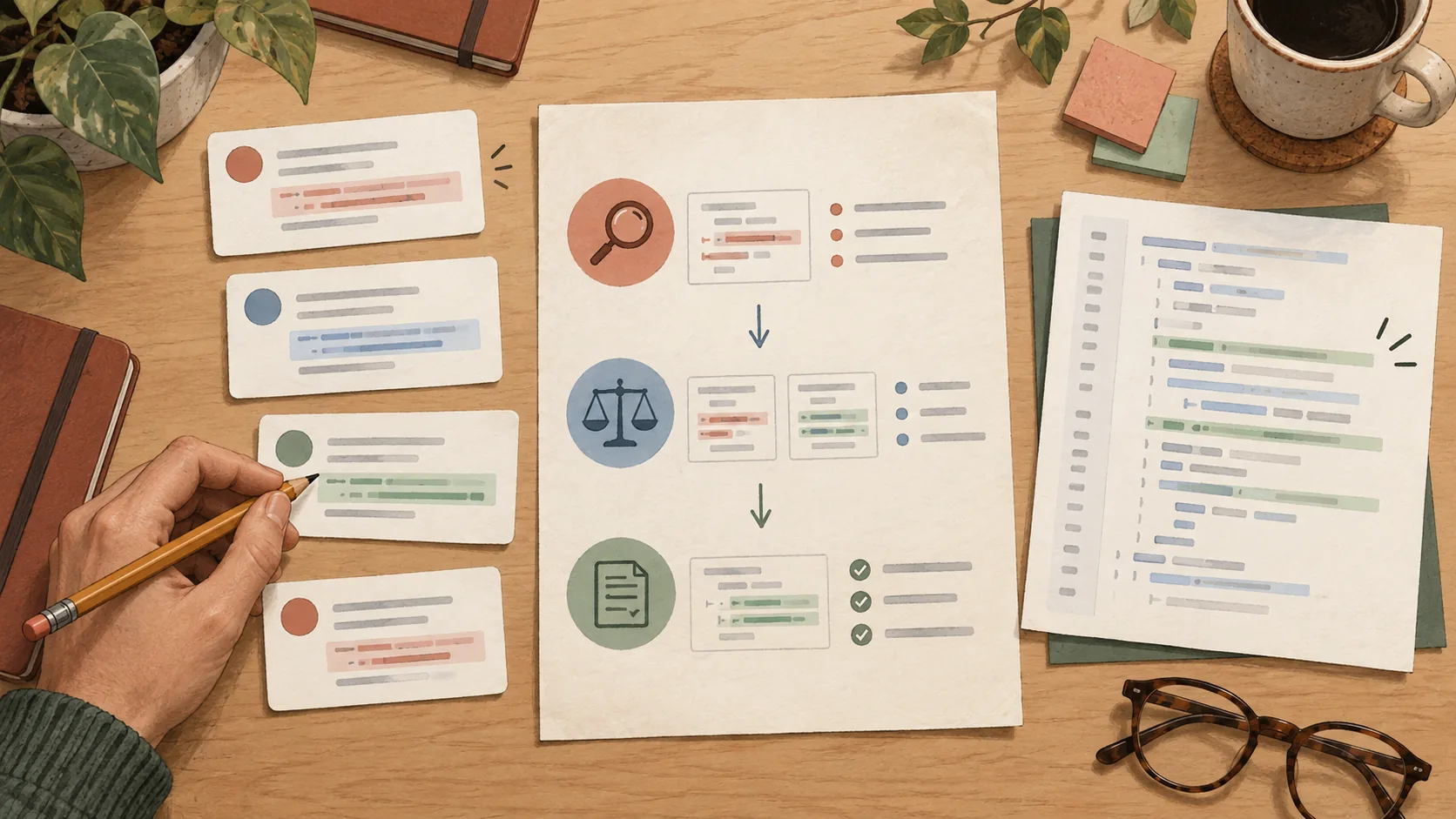
A useful development workflow often contains more company knowledge than it first appears to. The tracker team, engineering conventions and the place to look for logs can all end up embedded in its instructions.
That works until I want to use the workflow somewhere else. Reviewing a pull request is still reviewing a pull request, but the repository, tools and engineering conventions have changed.
Many skills need workplace context to be useful. If we want to use them across different companies, we need an easy way to configure them with the tools, conventions and knowledge relevant to each workplace.
I use both Codex and Claude Code, so I want to think about these workflows in terms of the skills and context they need.
That is where my profile skill comes in. It gives the other skills a shared configuration so we can adapt them to the workplace without rewriting each one.

The skill needs the right context
The same skill can be useful at different companies, provided it has the context to do the job well. Its instructions can describe how to approach the task, while configuration and supporting guidance supply what changes between workplaces.
For example, a review workflow can say “read the relevant testing guidance and assess the changed behavior.” The company's expectations for regression coverage and the evidence required before delivery belong in the context supplied to that workflow.
The same applies to operational tools. An investigation can have a consistent method while each company supplies its own targets, access and field mappings.
The profile design is still evolving. This post explains the separation I am aiming for, using the current implementation as an example, rather than presenting its configuration format as a settled interface. It describes the workflow as of its updated date.
Give each kind of information a place
I find it useful to separate four things:
| Part | What belongs there |
|---|---|
| Reusable workflow | How to understand a task, investigate evidence, review findings and report results |
| Company profile | Shared settings such as tracker selection, repository roots and connection names |
| Optional company pack | Confirmed engineering conventions, testing guidance, domain knowledge and runbooks |
| Repository guidance | Instructions specific to the application, its structure and how it is built and tested |
The pack is a directory of supporting material referenced by the profile. It supplies company knowledge that several skills can use without repeating it in each skill's instructions.
This also gives a rule a clear owner. A company's testing policy should come from that company. The workflow can ask for it and apply it, but it should not invent one when the document is missing.
The shared convention and testing references are deliberately empty templates. If no company document is supplied, a skill can use repository guidance and observed patterns. It should still distinguish “this is how the existing tests are written” from “this is a confirmed company requirement.”
One workflow, different workplaces
When we are already working in a repository, the AI can usually inspect the project and work out what “build” means. We do not need to make every discoverable detail a setting just to make a skill reusable.
The more useful configuration is the context the repository cannot reliably tell us. Which tracker team should receive a new ticket? Where are the company's engineering guidelines? Which logging connection and environment are relevant to this investigation?
Consider creating a ticket at two different companies. Both might use Linear, but the team, project and conventions for writing a useful ticket can differ. The skill can keep the same workflow for understanding the request, preparing a draft and reviewing it with me. The profile supplies the relevant tracker settings, and company guidance supplies the local expectations.
That is the kind of reuse I want: configure the workplace context once and let the skills use it, without maintaining a separate version of every workflow for each company.
Make setup use the evidence already available
Easy configuration should involve fewer questions about things the repository already tells us.
The current profile skill inspects repository evidence before proposing settings. It can use remotes and existing guidance to establish context, then ask about the workplace choices that remain unclear.
I still need to resolve choices that the evidence cannot establish: the intended repository when remotes are ambiguous, the tracker team, or whether to use a company pack.
The current implementation uses these Claude Code commands. Loading or initial setup starts with:
/raholsn:profileAnd inspecting the effective settings:
/raholsn:profile showshow reads and reports without writing or starting setup. That makes it useful for understanding what a workflow will use before asking it to do work.
The current configuration workflow
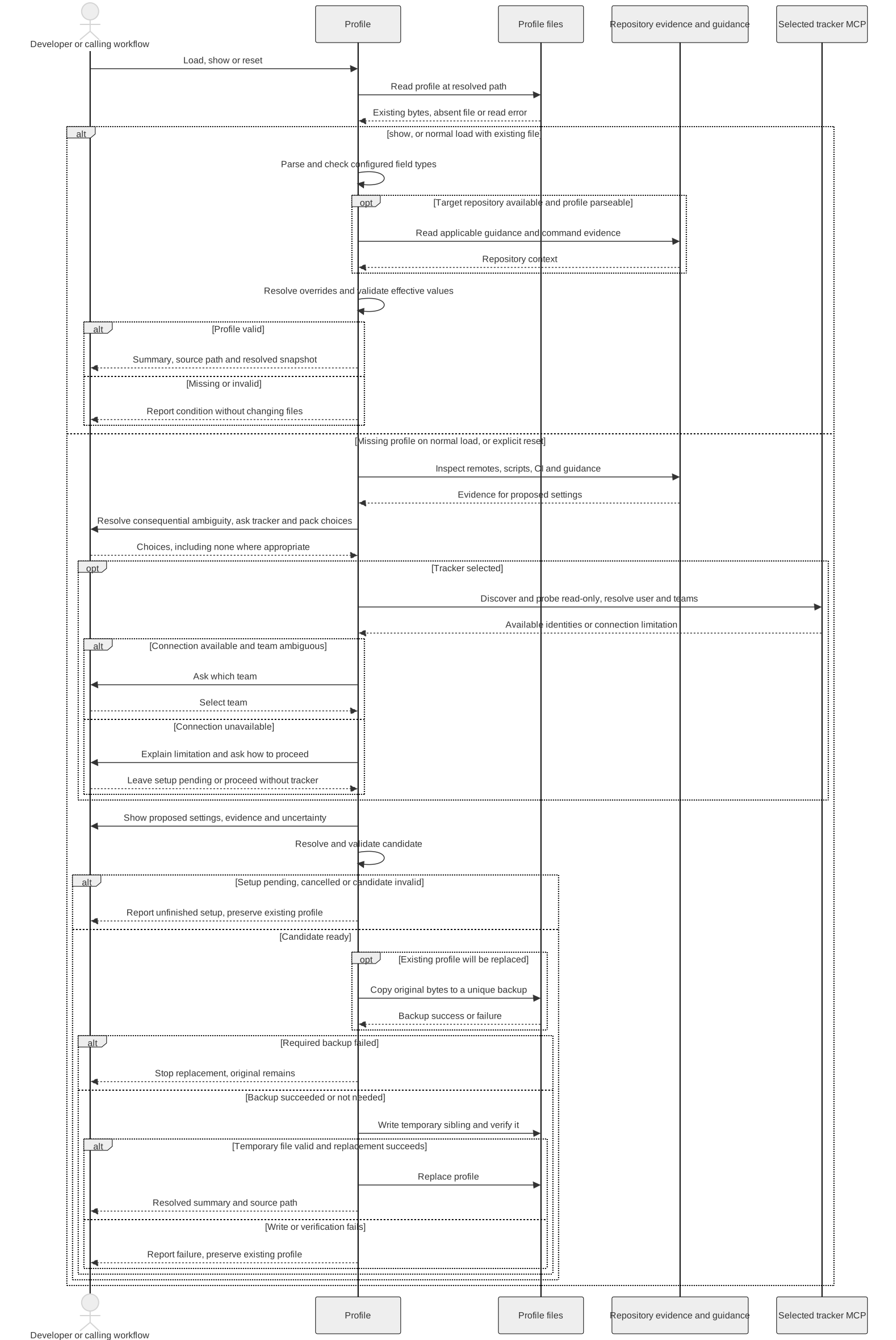
These diagrams come from the profile guide. They describe the current instructions for loading, showing and replacing configuration; they are not a recorded setup run.

Open the overview at full size
Explore configuration loading and setup
The sequence includes evidence gathering, developer choices and how an existing file is preserved during replacement.
Make the effective settings visible
Multiple sources of configuration need a clear order. The current implementation resolves them from shared defaults, through the matching repository override and explicit repository guidance, to explicit instructions for the current invocation.
For example, I can ask an implementation workflow to keep its changes local for this task even when the usual delivery settings describe draft PRs. That changes the scope of this invocation without rewriting the company profile.
The resolved summary should show which repository and sources were used, along with anything unset. Each new workflow invocation resolves the profile afresh and shares that snapshot with its downstream steps. Otherwise, a setting left over from another repository could quietly affect the next task.
That visibility matters more to me than hiding every configuration detail. I want setup to be convenient and the resulting behavior to be understandable.
Optional should mean optional
A portable workflow should work with the capabilities that are available, while being clear about what it could not do.
No tracker can be fine for general development: work from the description and skip tracker actions. A request to create a ticket needs a tracker connection. Those are different situations.
A missing company pack does not prevent the workflow from using repository guidance. It does mean the workflow should not claim to have checked company rules it was never given. A malformed or inaccessible dependency also needs an explanation; it should not disappear into the same category as an optional integration that was never configured.
This keeps a minimal setup useful without making it look more complete than it is.
The tool still matters
The examples show one implementation. Reusing a workflow in another AI tool may require adapting how its skills, plugins and connections are configured.
A profile can name an MCP connection, but it does not install or authenticate that connection. A company pack can describe a system, but that does not grant access to it. Secrets belong in the appropriate connection or credential setup, and the resolved summary should not print them.
There are limits to portability too. A workflow that uses a particular provider's API or CLI still needs support for that provider. Changing a host name in JSON cannot turn a GitHub-specific helper into an implementation for another platform.
I want the configuration to expose those dependencies honestly. Reuse comes from separating the parts that vary and defining how they are consumed, not from assuming every tool is interchangeable.
The profile skill
You can find the profile skill on GitHub.
The implementation includes example profiles and starter documents for company conventions and testing guidance. The exact shape may change as the design develops.
The goal is to keep improving the same skills and give them the context they need at each workplace. The profile skill provides a shared way to configure that context, while the local decisions stay with the people who own them.
Happy coding!